
Need to change your fundraiser’s cover / banner / Hero image? It’s simple, just follow these easy steps:
-
Go to your fundraising page and ensure you are logged in.
-
Click Manage My Fundraiser in the top right corner of the page.

-
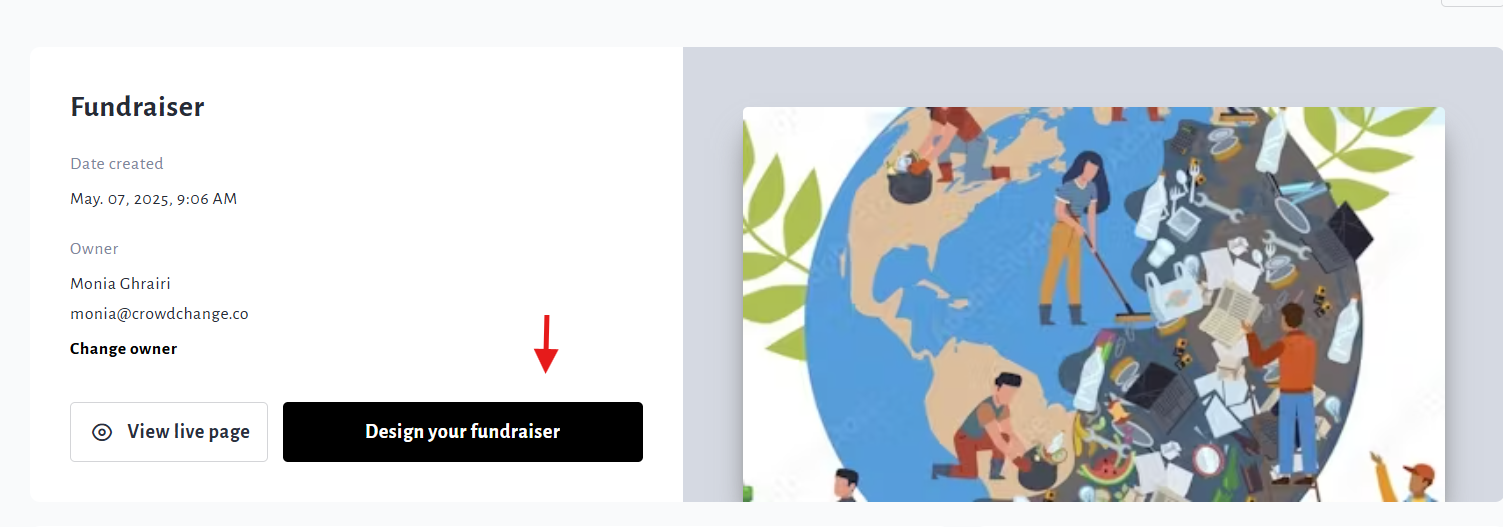
Click the Design your fundraiser button.
-
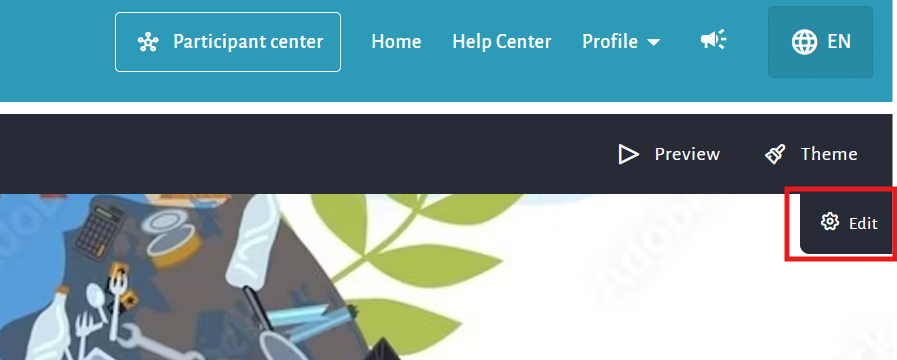
Hover over the fundraiser’s current image and click the Gear icon that appears on the top right of the page.
-
On the right sidebar that appears, scroll down and expand the Content section.
-
Click on the pencil icons to change the current images.
-
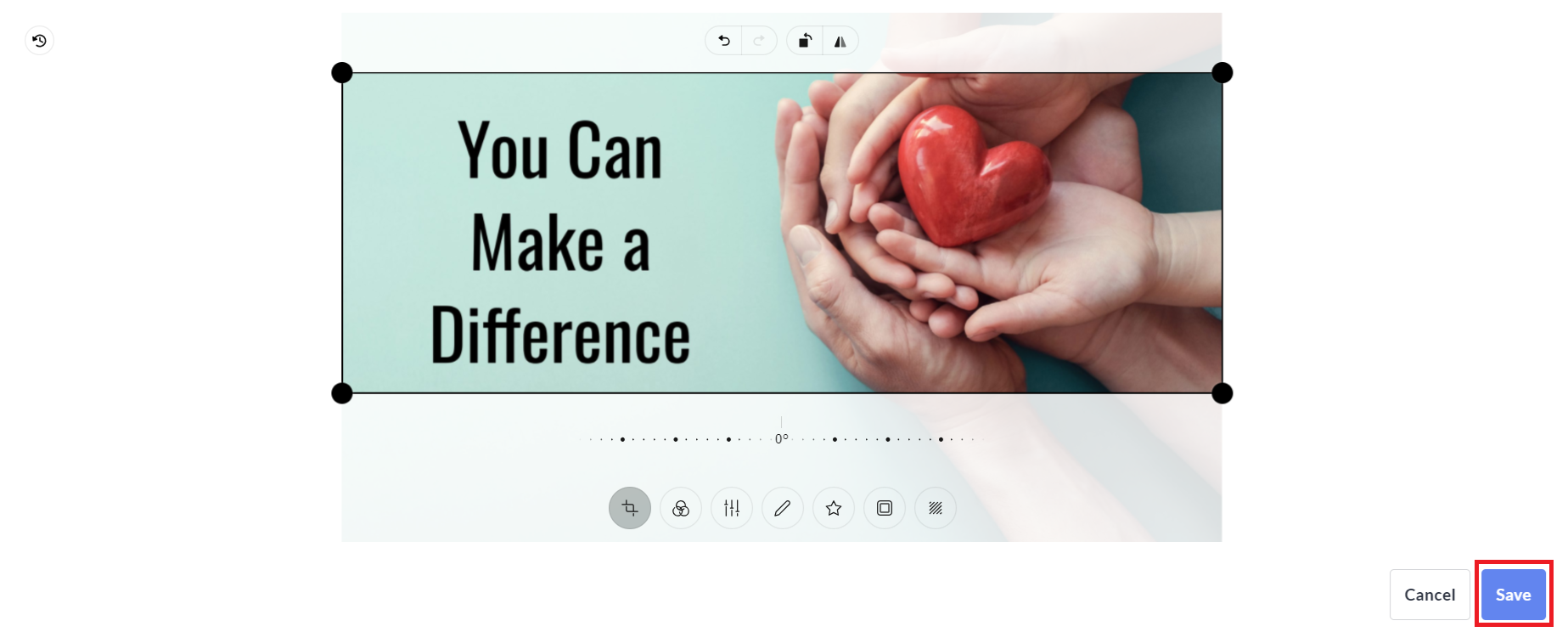
Select the new image from your computer, crop and edit if desired, and click Save.
-
At the bottom of the sidebar, click Save to confirm and publish your changes.