
Getting more donations come through than you ever expected? Changing your fundraising goal is simple!
Please note that you must first be logged in to perform this action.
-
From your fundraising page, click Manage Fundraiser in the top right corner.

-
Click General Settings on the left sidebar.
-
Scroll down to Goal Measure Unit, and adjust the goal amount as desired.
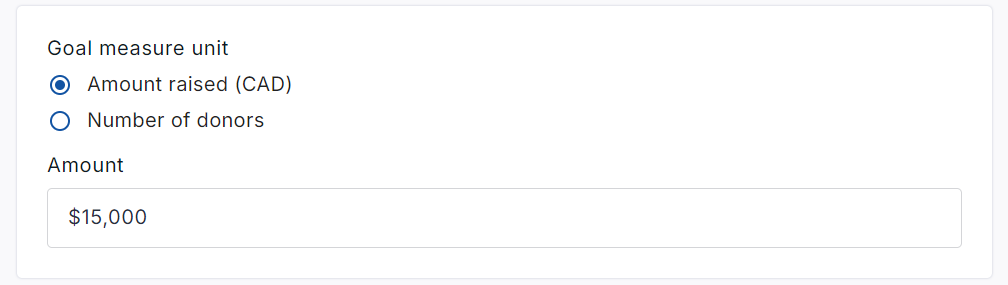
-
Scroll down to the bottom of the page and click Save.

For Personal Page Goals…
-
From your Personal page (while logged in), click Manage my Page then Page Settings.
-
Change the amount under Fundraiser page goal as desired.
-
Click the Save button at the bottom.
For Team Page Goals…
-
From your Team page (while logged in), click Manage my Team then Team Settings.
-
Change the amount under Team goal as desired.
-
Click the Save button at the bottom.