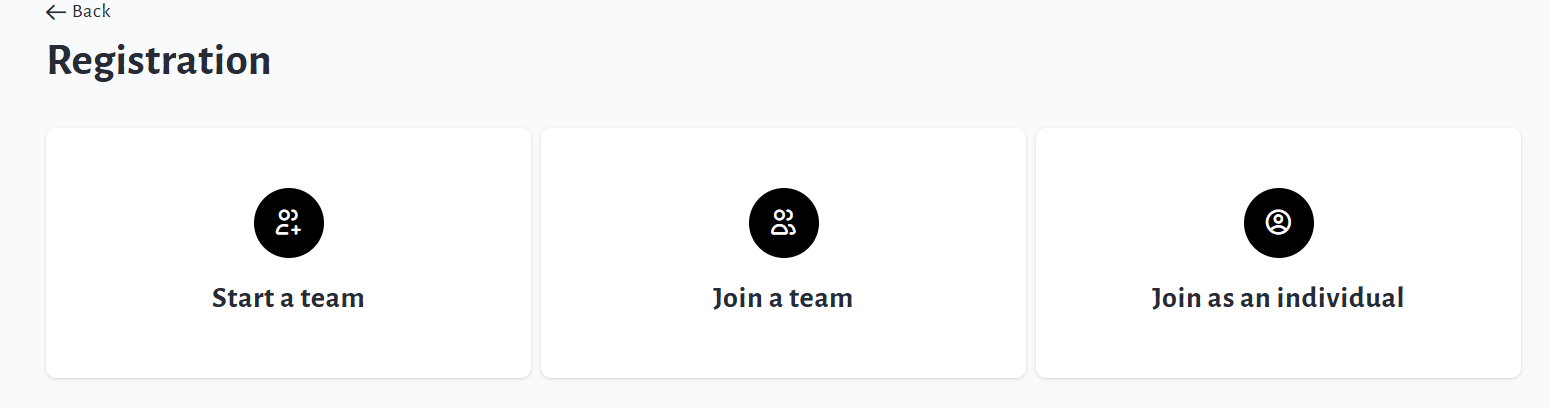
If you need to require registrations (free or paid) for everyone who creates a Personal or Team Fundraising Page, you can accomplish this easily in your fundraiser settings.
Follow these steps to link Registrations to P2P:
-
Go to your Main Fundraising Page and click Manage Fundraiser.
-
Click Purchase Options on the left sidebar.
-
Click Registration, enable it, then click Save.
-
Click Peer-to-peer settings on the left sidebar and enable the following:
-
Personal fundraising pages
-
Personal fundraising pages under a team can be created
-
Registration is required to create a personal page
-
Registrants are required to create a personal page with an email address (no opt-out)
-
-
Team fundraising pages
-
Registration is required to create a team
-
-
-
Ensure to Save Changes within each section.
This will require registrants to create their Personal or Team Page during checkout.
There will no longer be an option to create a Personal or Team Page without registration.
Your fundraiser will now take on the ‘multi-registration’ workflow: