
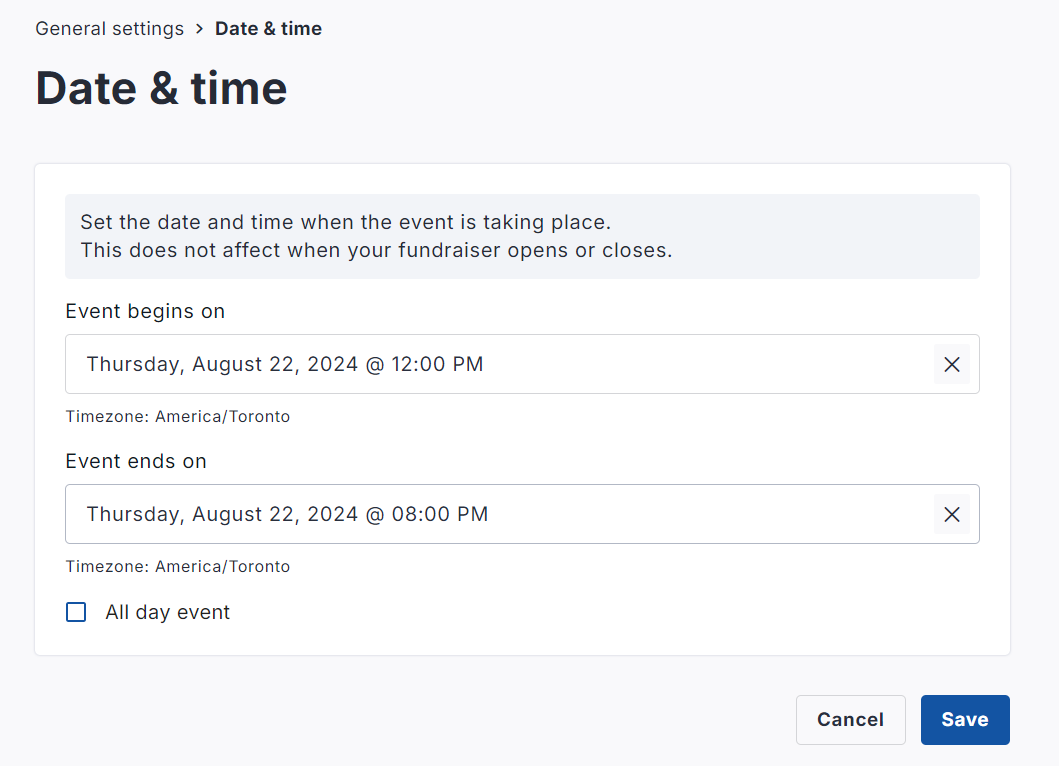
YYou have the ability within your fundraiser settings to adjust the public-facing start date & time of your fundraiser, as well as the public-facing end date & time.
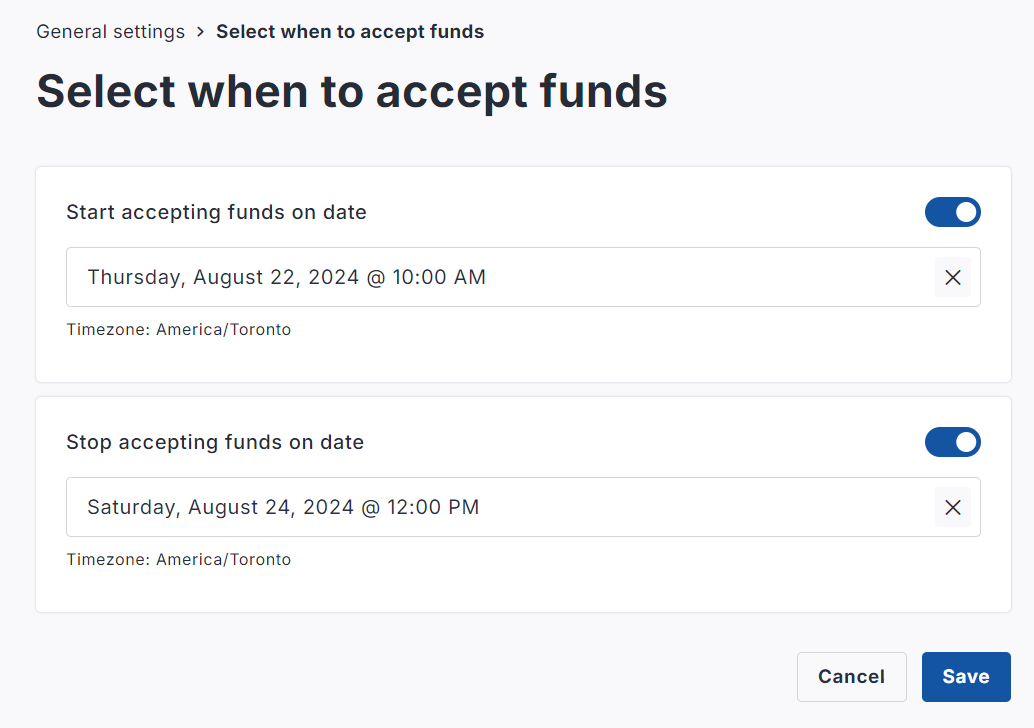
Additionally, you may adjust the 'cut-off' end date for accepting funds, and start date for accepting funds.
Written Steps:
-
Go to your fundraising page on your CrowdChange site and Log In.
-
Click on Manage Fundraiser in the upper right hand corner.
-
Go to General Settings on the left sidebar.
-
Scroll down to the Dates section and click ‘Date and Time’ or ‘Select when to accept funds’.
-
Set the dates and times for each to your liking and click Save.