
Fundraiser Level Activity Tracker Report
To view the Fundraiser Level Activity Tracker Report, follow the steps below:
-
From anywhere on your CrowdChange site, Log In.
-
Go to your fundraising page and click Manage Fundraiser.
-
Go to Reports on the left sidebar, then Activity Tracker Report.
-
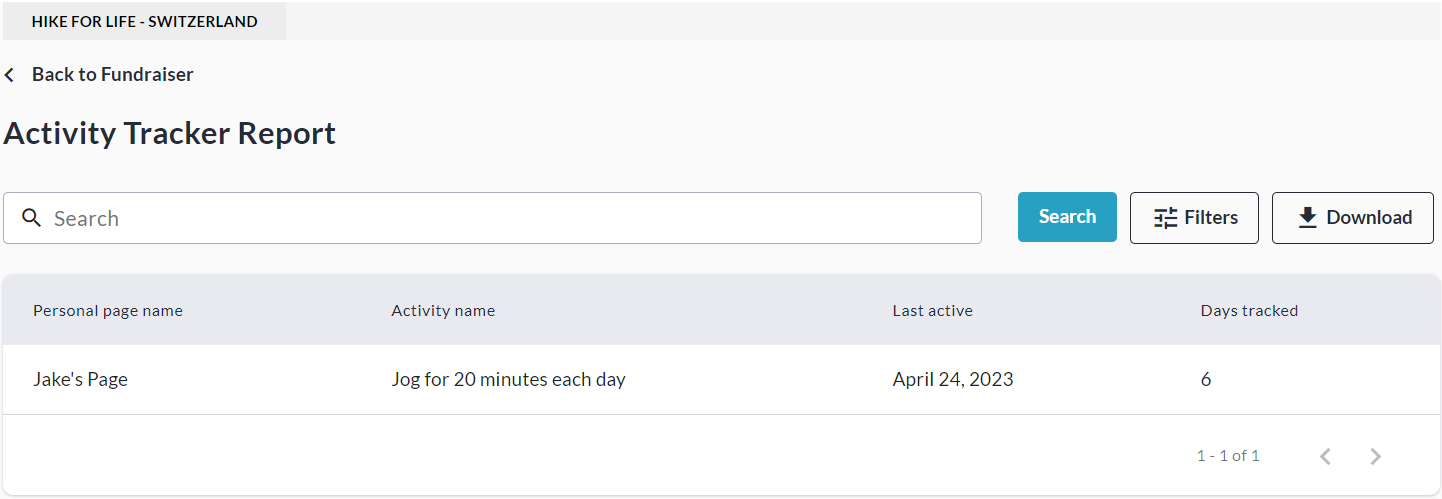
From here, you can Search and/or Filter for specific Activities, and view a simple overview.
-
You may also export this report to Excel using the Download button.
Note that the fundraiser-level version of this report is less detailed than the Admin version.