
You can customize your Personal Fundraising Page by adding your own photo and description text, in place of the main fundraiser defaults!
To do so, follow the steps below:
-
From your Personal Fundraising Page, click Manage my Page in the top right.

-
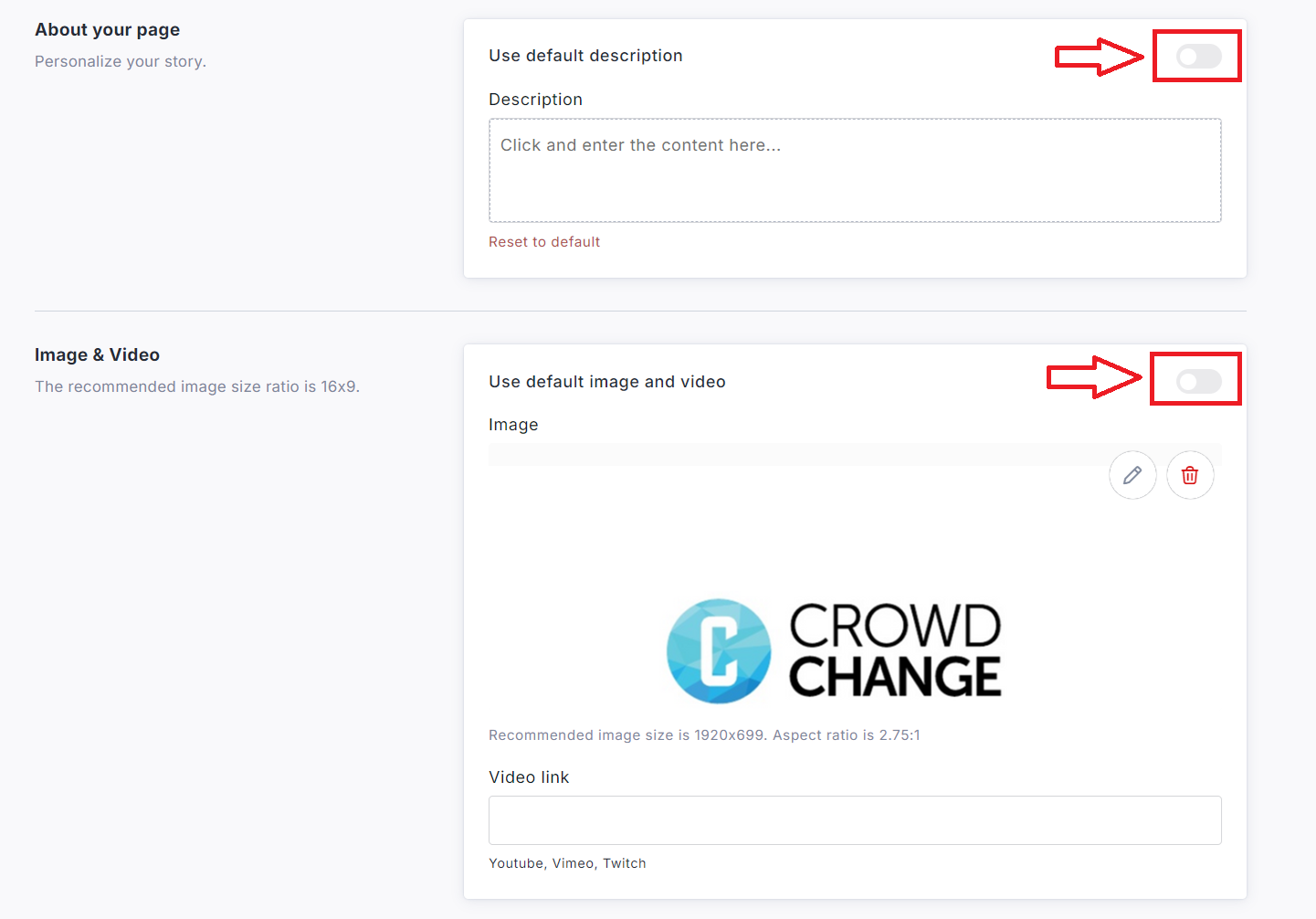
Click Page Settings and toggle OFF these options:
-
Use default image and video
-
Use default description
-
-
Upload your image or video, add any desired text, scroll down and click Save.